
Highlight your team's key strengths by adding them to your Agency Vista profile and increasing your agency credibility! Give your team the opportunity to help you manage your profile and communicate with businesses seeking your services. This article shows you how add team members in your Agency Vista profile.
How to add team members
1. Login to your Agency Vista profile and go to Team. 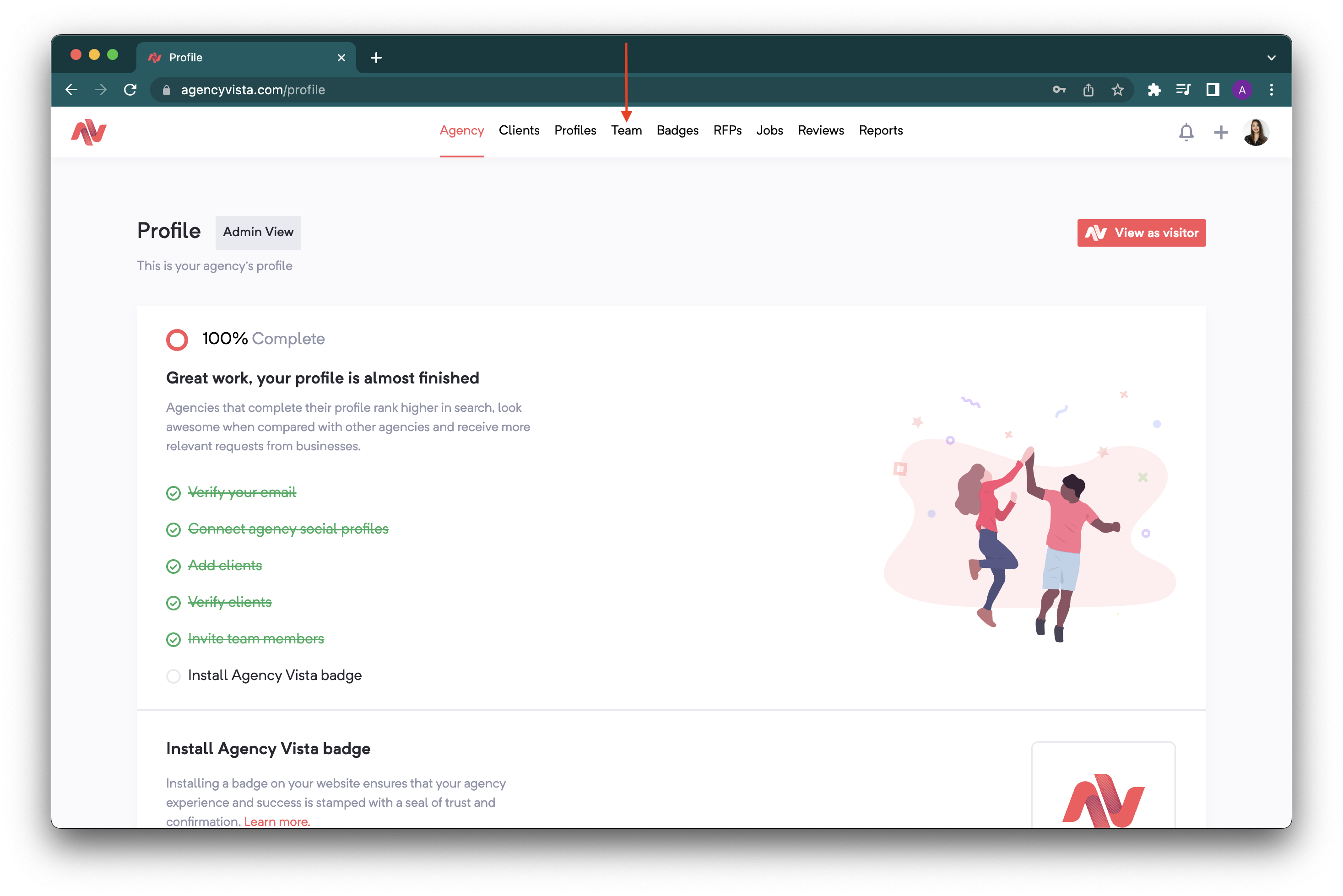
2. Click Invite team members. 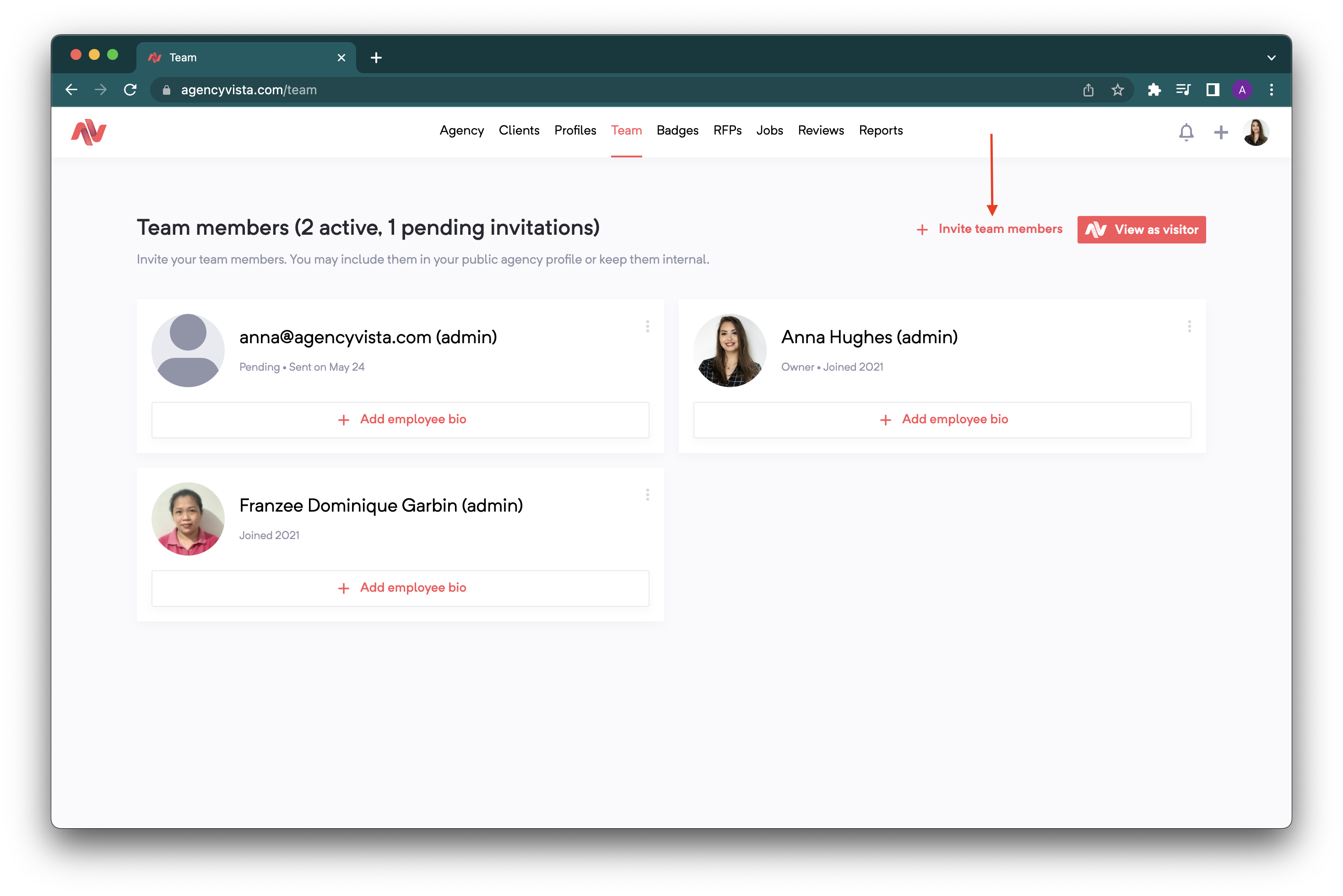
3. Enter the email addresses of the team members you wanted to add and click Send invitations. 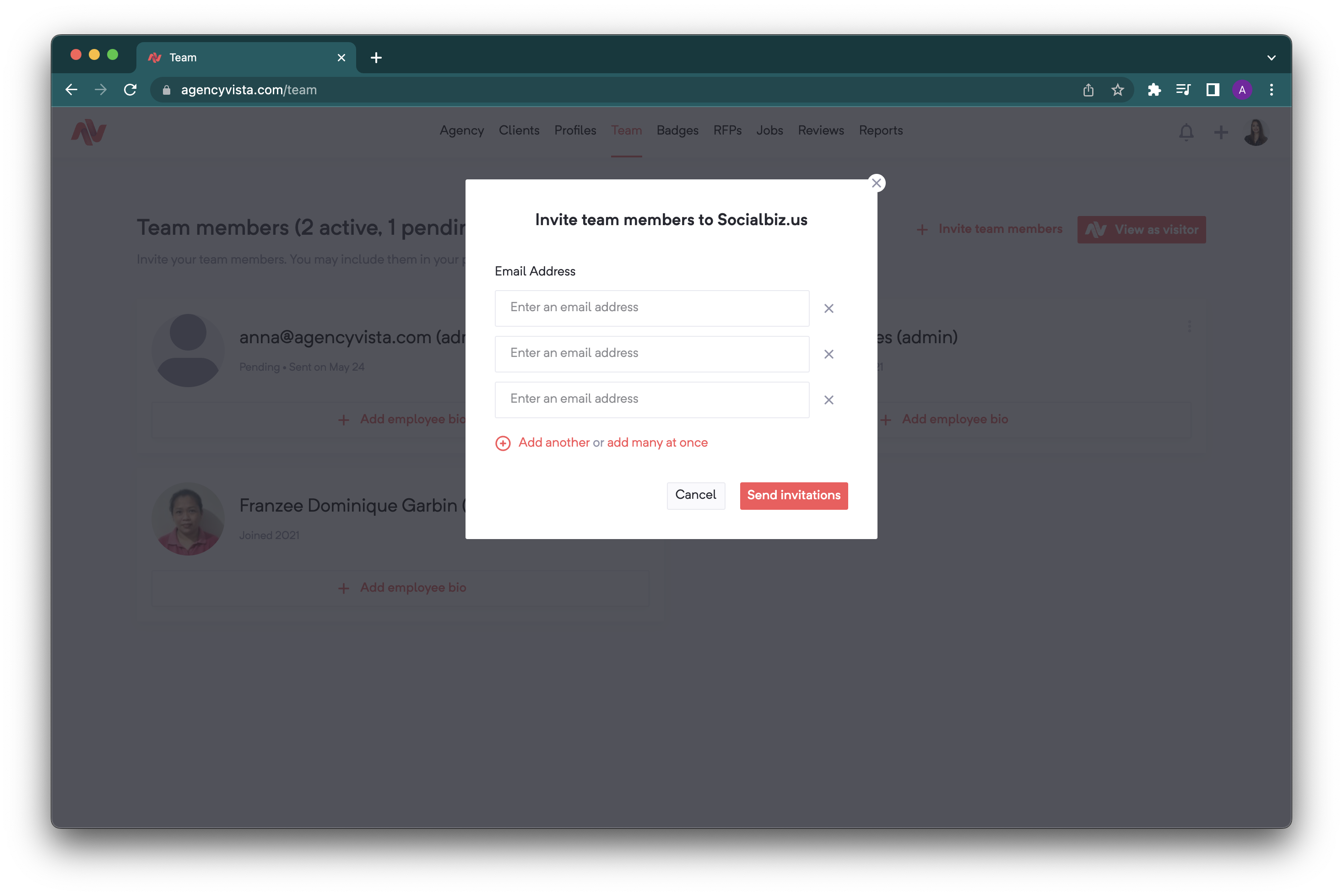
4. Your team member will receive an email similar to this. Advise them to click the Accept invitation button. 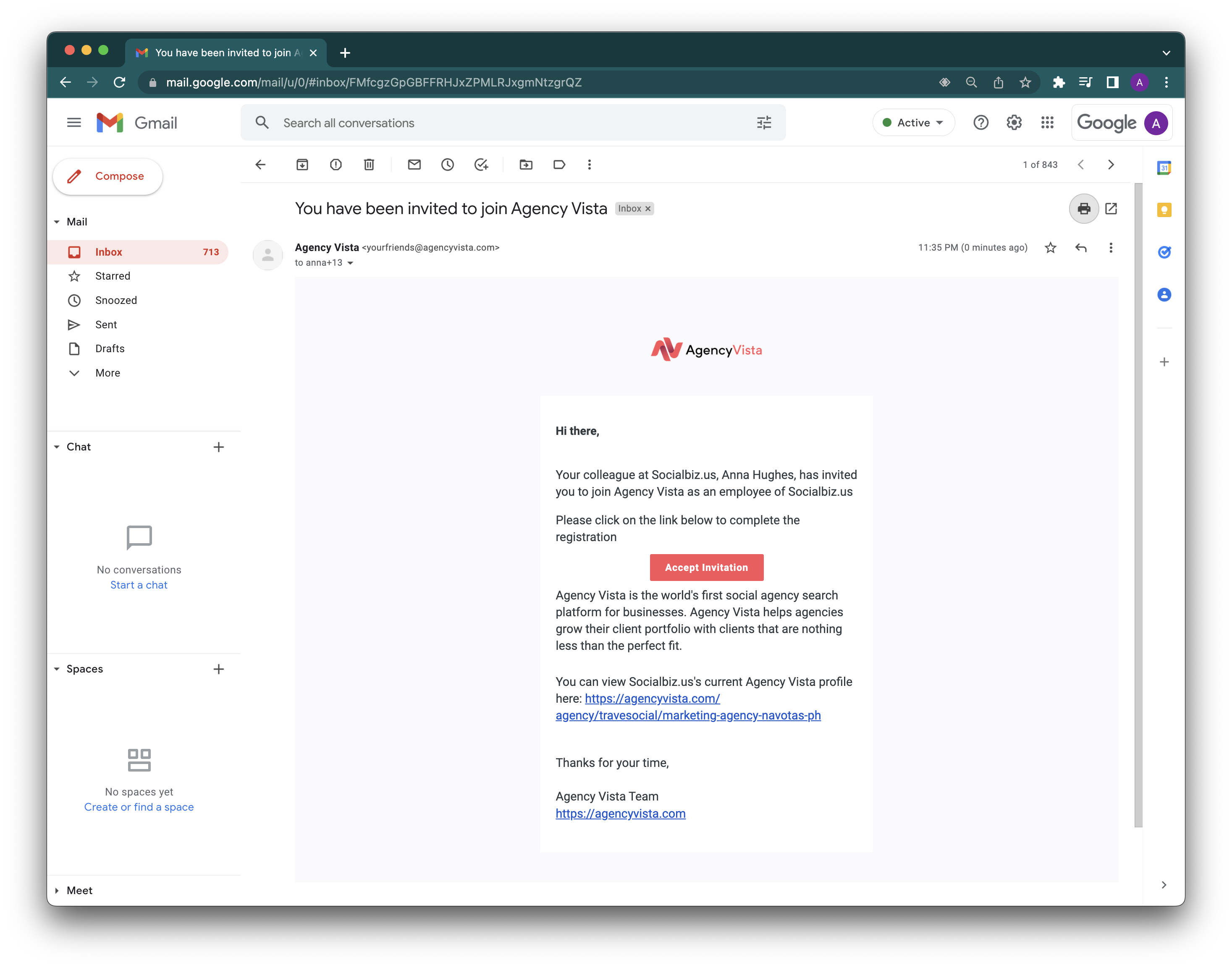
4. To complete the user registration, the team member will then be asked to sign-up with their LinkedIn profile. 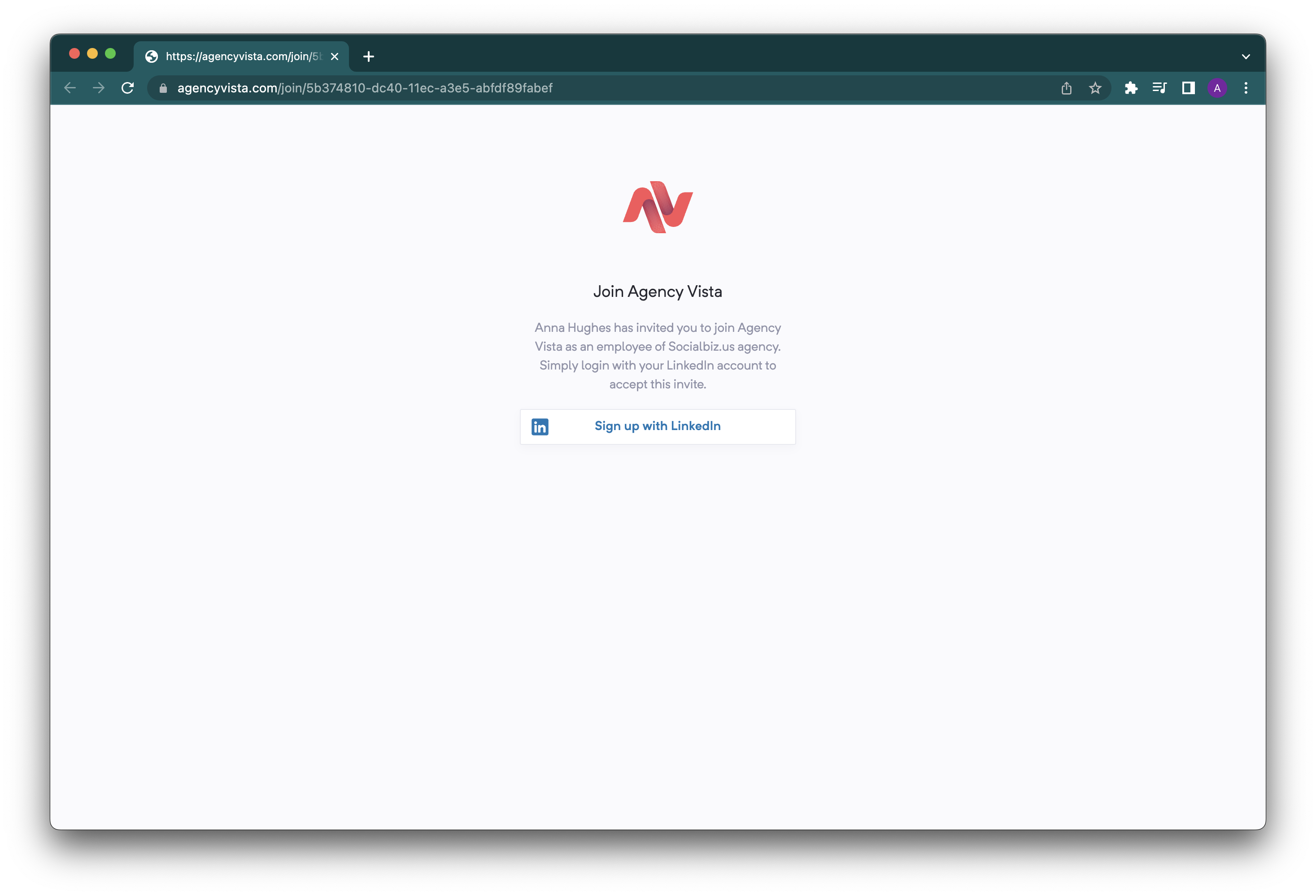
5. And you are all set!
Watch our short video below on how to create teams with Agency Vista:
Comments
0 comments
Please sign in to leave a comment.